Overview
Developing modern JavaScript applications requires efficient, powerful, and extensible tooling. Consistency across developer machines is a priority when collaborating across highly distributed teams. The following is a guide for installing the preferred environment for JS development.

Secure groups
Visit secure.uhc.com to request permissions groups:
- github_users: To access github.com
- Mac_Admin: To install software for macOS users only
VSCode Editor
To write code for UI projects, it is highly recommended that you download and install Visual Studio Code.
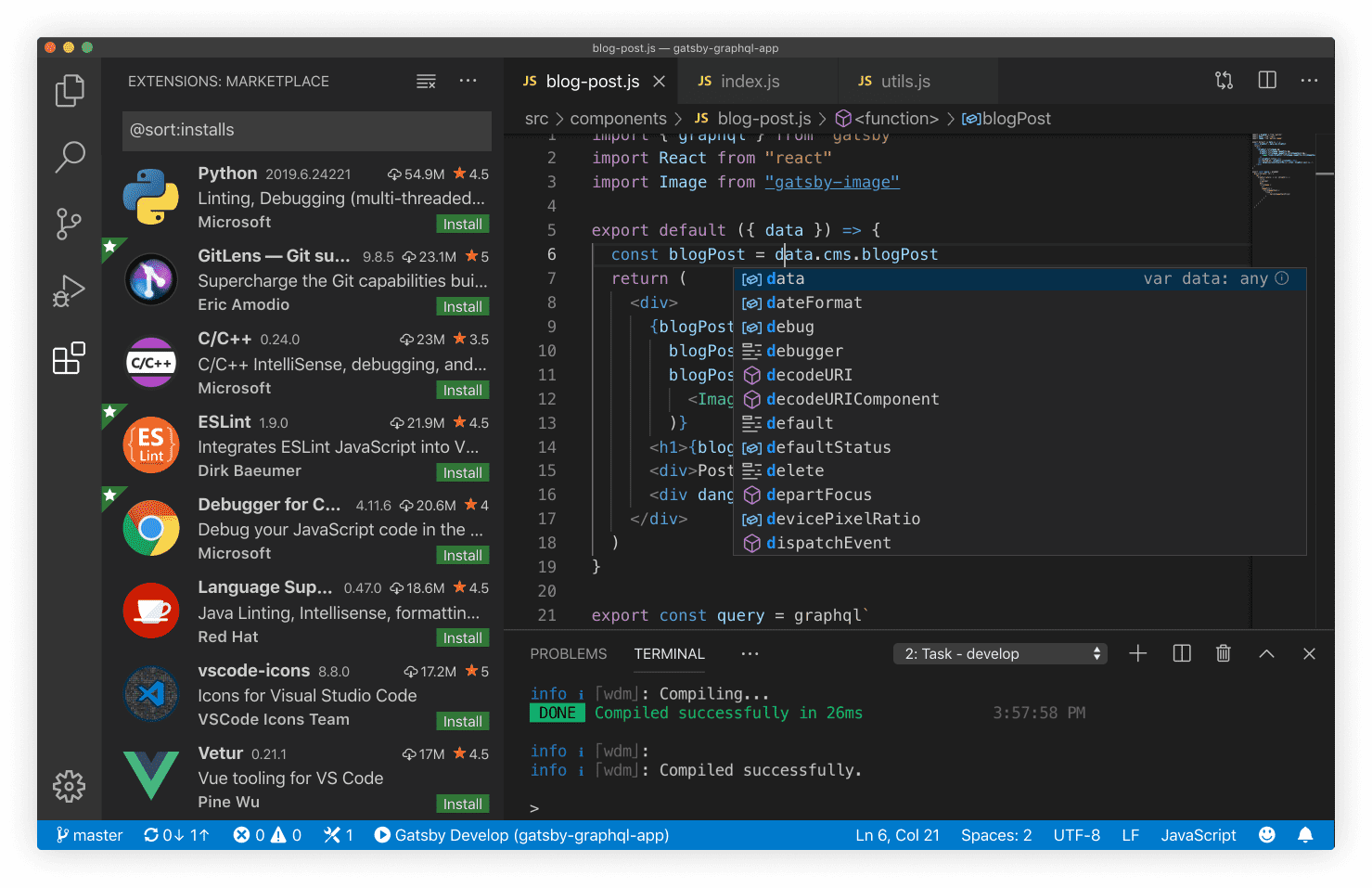
VSCode extensions
Recommended extensions will be suggested to you when you visit the VSCode Marketplace.
- ESLint: code syntax validator
ESLint is a JavaScript linting tool which is used for automatically detecting incorrect patterns found in ECMAScript/JavaScript code. It is used with the purpose of improving code quality, making code more consistent, and avoiding bugs. Rules can be configured to look for all kinds of discrepancies due to discouraged code patterns or formatting. Running a Linting tool over the source code helps to improve the quality and readability of the code.
- Prettier: code formatter
Prettier is very popular because it improves code readability and makes the coding style consistent for teams. Developers are more likely to adopt a standard rather than writing their own code style from scratch, so tools like Prettier will make your code look good without you ever having to dabble in the formatting.
Chrome browser
To install Google Chrome, use the "Self Service" application on your desktop.
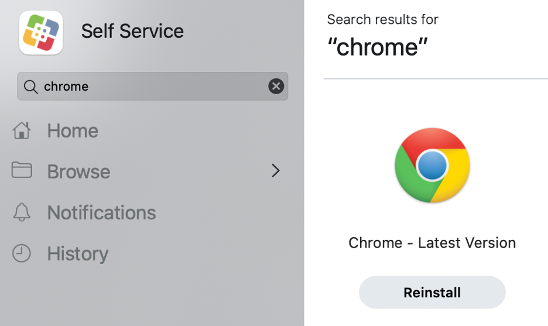
Chrome browser extensions
In Chrome, you may install the following recommended extensions:
System essentials
To run all JS-based applications, it is highly recommended to have these tools installed:
- Xcode Command Line Tools (Mac Only)
xcode-select contains necessary utilities for software development on macOS.
xcode-select --installAfter install, exit and restart Terminal (CMD + Q)
xcode-select --version- oh-my-zsh >= 5.3.0 (optional)
zsh is an optional upgrade to the native shell which provides a delightful terminal experience.
sh -c "$(curl -fsSL https://raw.githubusercontent.com/robbyrussell/oh-my-zsh/master/tools/install.sh)"After install, exit and restart Terminal (CMD + Q)
omz version- node >= 16.0.0
nvm is a great tool for installing and upgrading versions of Node on your system.
curl -o- https://raw.githubusercontent.com/nvm-sh/nvm/v0.35.1/install.sh | bashAfter install, exit and restart Terminal (CMD + Q)
nvm --version
nvm install 16 && nvm use 16 && nvm alias default 16After install, exit and restart Terminal (CMD + Q)
npm --version
npm config set registry https://repo1.uhc.com/artifactory/api/npm/npm-virtual- git >= 2.0.0
git is a universal version control system for working collaboratively and efficiently.
git config --global user.id "YOUR_MS_ID"
git config --global user.email "YOUR_EMAIL@optum.com"